Record a region.
Narrate it with AI.
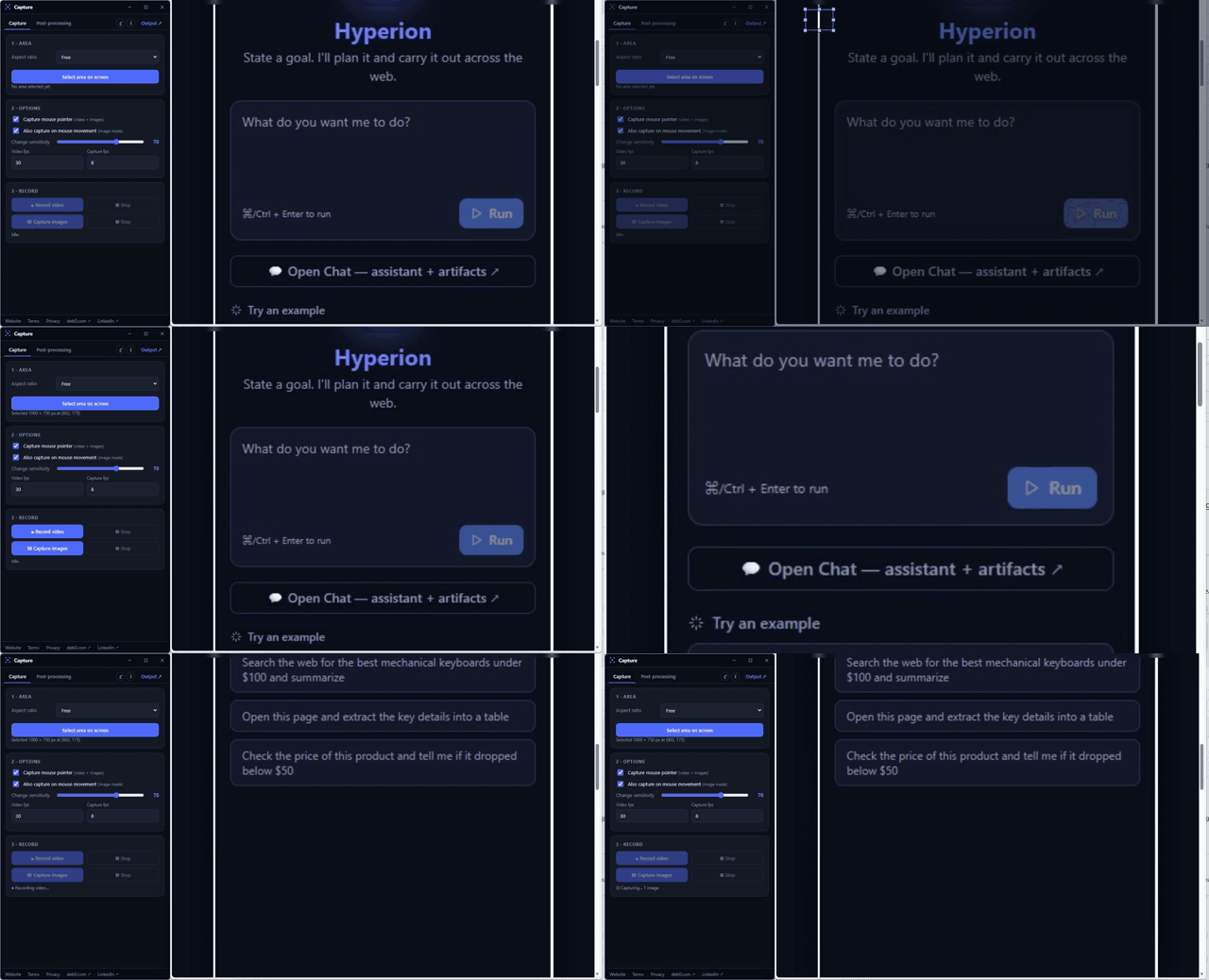
A lightweight Windows tool to record a screen area or smart-capture only the frames that change — then turn them into a video or GIF with an AI (or your own) voiceover and AI-generated captions. Or let AI Capture drive an app and produce the whole demo for you.
What it does
Region capture
Drag to select any area with an aspect-ratio lock; move and resize with handles.
Smart image capture
Saves a frame only when pixels change — adjustable sensitivity, optional mouse tracking.
Video & GIF
Record to MP4, or build a video/GIF from images with per-image durations.
Voiceover
AI narration via OpenAI, ElevenLabs or Azure — or an offline Windows voice, or your own mic — time-fitted to the video length.
Webcam overlay
Put your camera in any corner — with optional background blur and face‑tracking auto‑zoom — burned into recordings and your‑voice videos. Off by default.
Mic & camera picker
Choose your microphone and camera; record your mic straight into live screen recordings.
Multimodal AI
A vision model reads your frames to write the script and timed captions (.srt). Pick your provider & model — OpenAI, Anthropic, GitHub Models or Copilot.
AI Capture
Describe a demo and let the AI drive the chosen app — it clicks, types, records, then narrates and captions the result. Approve each step or let it run autonomously.
Themes & polish
System / light / dark themes, a custom frameless window, and a tested codebase.